
Online Privacy Basics
By KS
Introduction
Online privacy is not about becoming invisible. It is about reducing unnecessary exposure.
If you use modern apps, phones, search engines, email, and social platforms every day, you leave behind behavioural data, metadata, account history, and technical signals that can be collected, combined, and used to profile you.
This guide explains online privacy basics in plain language: what privacy means, how tracking works, why it matters, and what practical steps reduce your exposure.
What is online privacy?
Online privacy is your ability to control how much information about your identity, behaviour, devices, and habits becomes visible to platforms, advertisers, analytics systems, and third parties.
That includes obvious data like your name and email address, but also quieter signals like:
- what you search for
- what sites you visit
- what apps you use
- where you travel
- what you click on
- how long you linger on content
Privacy is not only about hiding secrets.
It is about limiting unnecessary access to your life.
How online tracking works
Cookies
Cookies help sites remember sessions and preferences, but they can also support tracking and repeated recognition. If you want the dedicated explainer, read What Are Cookies?.
Tracking pixels
These tiny embedded elements can report whether a page or email was opened. For the mechanism in plain language, read What Are Tracking Pixels?.
Browser fingerprinting
Fingerprinting uses device and browser traits to help distinguish users without relying only on cookies. The full breakdown is in What Is Browser Fingerprinting?.
Metadata
Metadata includes signals like timing, device type, IP-related data, and communication patterns. If that sounds abstract, read What Is Metadata Online?.
Data pipelines
Once collected, data can be routed into analytics systems, advertising systems, recommendation engines, and profile-building models.
This is why small signals matter. They do not stay small for long.
Why privacy matters
Privacy matters because profiling changes how systems behave toward you.
It affects:
- the ads you see
- the assumptions platforms make about your interests
- the content pushed toward you
- how much of your behaviour becomes commercially useful
- how large and vulnerable your digital footprint becomes
A smaller digital footprint is usually easier to control and easier to secure.
How to improve your privacy
You do not need to vanish from the internet to make progress.
1. Use fewer accounts
Delete the services you no longer need.
2. Review permissions
Question access to location, contacts, microphone, camera, and photos.
3. Change browser and search defaults
A better browser setup and more privacy-respecting search engine reduce routine exposure.
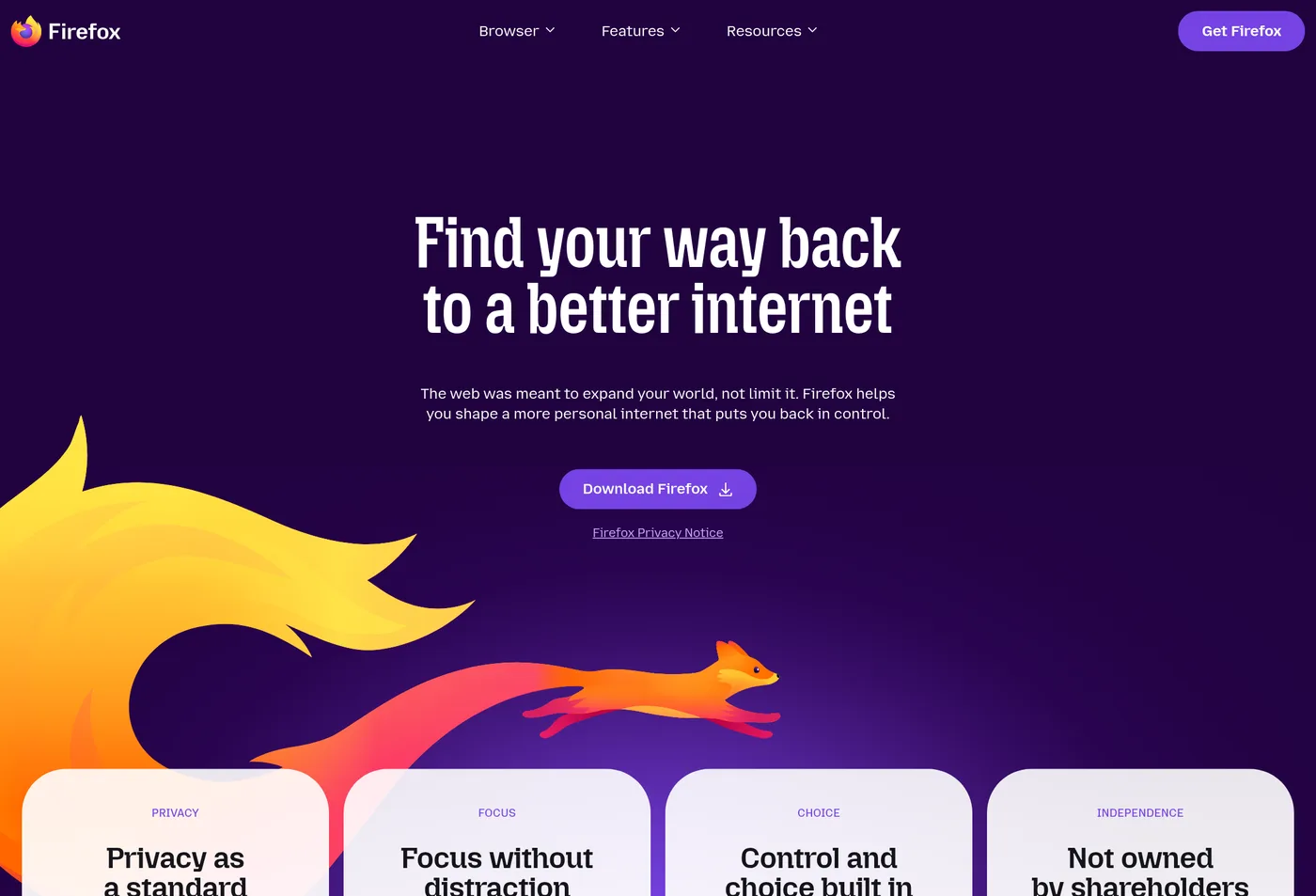
For many people, changing the browser default is the first practical privacy upgrade that actually sticks.
4. Use less social media
Feeds are not only attention traps. They are profiling systems.
5. Move your tools gradually
You do not need to change everything at once, but it helps to have a direction.
What tools are worth considering?
A simple privacy-friendly starting point can include:
- Firefox + uBlock Origin for browsing
- SearXNG, DuckDuckGo, or Kagi for search, with a fuller decision guide in DuckDuckGo vs SearXNG vs Kagi
- Tuta for a more privacy-oriented email direction
- Signal for messaging
If you want the deeper version, continue to How to Reduce Your Digital Footprint Step by Step, Best Privacy Tools and Open Source Replacements: Part 2, and What Data Does Google Collect About You?.
Conclusion
Online privacy is not a purity test. It is the ongoing work of reducing how much of your life becomes data by default.
The best place to start is not perfection. It is one practical change that lowers your exposure today.